



The Ultimate Guide to Modern IPTV Streaming: Quality, Setup & 4K Performance
The landscape of home entertainment has undergone a seismic shift. No longer are we bound by rigid cable schedules or limited broadcast options. Today, iptv streaming quality defines the entire viewing experience, transforming any connected device into a personalized media hub. For cord-cutters, tech enthusiasts, and everyday viewers alike, understanding how to harness the power of Internet Protocol Television (IPTV) is the key to unlocking a world of seamless, high-definition content. This comprehensive guide cuts through the noise, providing a clear, actionable pathway to superior digital entertainment, with a special focus on achieving stunning iptv 4k streaming results.
—
Required Devices & Apps: Your Streaming Toolkit
Getting started requires minimal, affordable hardware. The beauty of modern IPTV lies in its universal compatibility. You can enjoy a premium experience on:
- Smart TVs: Most contemporary models (Samsung Tizen, LG webOS, Android TV, Google TV) have built-in app stores.
- Streaming Devices: Amazon Firestick/Fire TV, Google Chromecast with Google TV, Roku, and Apple TV are perfect dedicated hubs.
- Mobile & Tablet: Android and iOS devices allow for on-the-go viewing.
- Computers: Windows PCs and Macs via dedicated apps or web players.
Recommended Applications: The software is your gateway. Top-tier, user-friendly apps include TiviMate (for a premium, cable-like guide), IPTV Smarters Pro, Smart IPTV, and OTT Navigator. Always download these from official app stores (Google Play Store, Apple App Store, or Amazon Appstore) to avoid malicious software.
—
Setup Guide: Step-by-Step Configuration
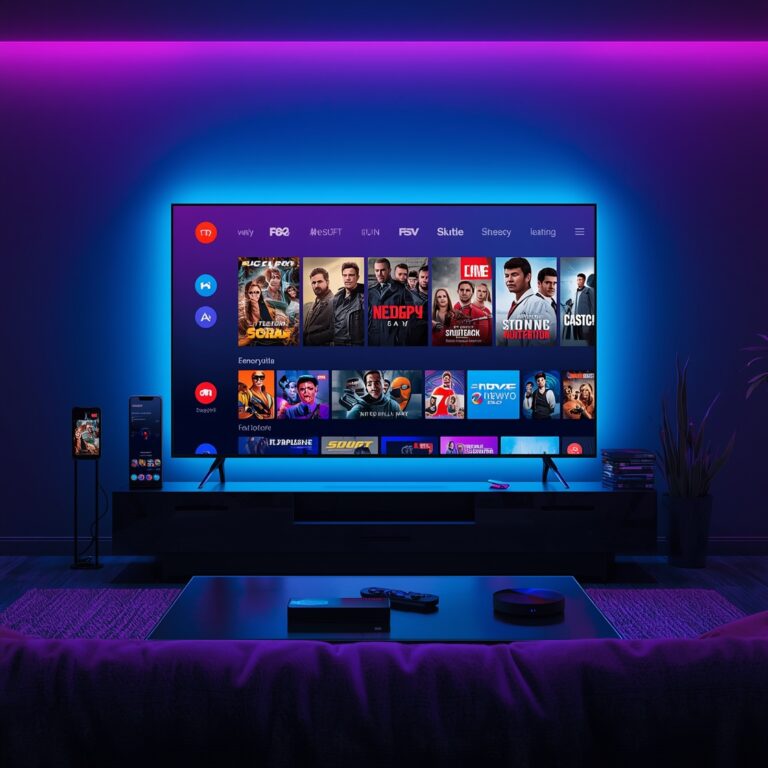
Follow these steps for a flawless setup:
1. Choose a Reputable IPTV Service Provider: This is the most critical step. Research providers offering stable servers, comprehensive EPG (Electronic Program Guide), and excellent support. Avoid “free” IPTV lists, which are often unreliable and illegal.
2. Subscribe & Obtain Credentials: After purchasing a subscription (monthly or annual), you’ll receive your unique M3U URL or Xtream Codes API details (username, password, server URL).
3. Install Your Chosen App: Go to your device’s app store and install your preferred player (e.g., TiviMate on Firestick, IPTV Smarters on mobile).
4. Add Your Playlist/Login: Open the app and navigate to its settings or “Add User” section. Select the appropriate login method (M3U URL or Xtream Codes API) and carefully enter the credentials provided by your IPTV service.
5. Allow Loading & Organize: The app will fetch your channel list and EPG data. This may take a few minutes. Once loaded, spend time organizing channels into favorites or groups for easy navigation.
6. Test a Few Channels: Immediately test live TV, movies, and sports channels. Assess the initial iptv streaming quality for clarity, audio sync, and stability. This initial test confirms your setup is correct.
—
Streaming Quality & Performance Tips: Achieving Buffer-Free 4K
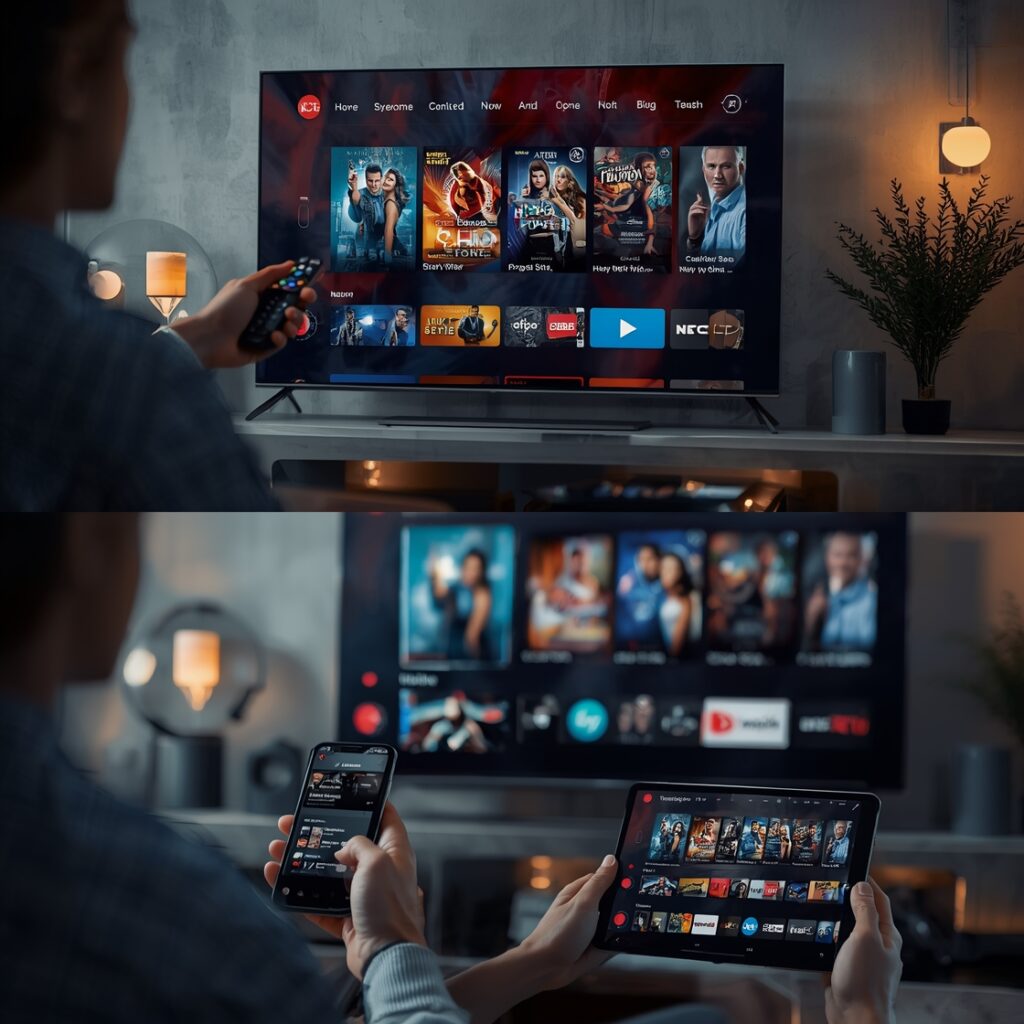
Superior performance hinges on optimization. Here’s how to elevate your experience:
- Internet Speed is Non-Negotiable: For standard HD (720p/1080p), a consistent 15 Mbps download speed is recommended. For flawless iptv 4k streaming, you need a robust 25-50 Mbps connection. Use a tool like Speedtest.net on your streaming device to verify.
- Wired Over Wireless: Whenever possible, connect your streaming device directly to your router via an Ethernet cable. This eliminates Wi-Fi interference and provides the most stable connection for high-bitrate 4K streams.
- Optimize Your Wi-Fi: If using Wi-Fi, ensure your device is on a 5GHz network (faster, less congested). Reduce distance from the router and avoid obstacles.
- App Settings Matter: Within your player app, look for video quality settings. Manually set the default playback to “Auto” or “Best Quality.” For 4K-capable content, ensure “HD” or “4K” is selected. Disable unnecessary features like “Snap” or motion smoothing if they cause judder.
- Manage Network Traffic: During peak hours, other devices (gaming consoles, smart home gadgets) can throttle your bandwidth. Schedule 4K movie nights during off-peak times or QoS (Quality of Service) settings on your router to prioritize your streaming device.
—
Advantages of Modern Streaming
- Unmatched Flexibility: Watch what you want, when you want, on any screen. No contracts, no hidden fees.
- Global Content Access: Break geographical barriers and explore international live TV, news, and sports.
- Superior Cost-Per-Value: A single subscription often replaces massive cable bills, offering thousands of channels and on-demand libraries.
- Personalized Viewing: Advanced EPGs, favorites lists, and recording functions (where supported) put you in complete control.
—
Troubleshooting & Common Issues
- Buffering/Loading: #1 culprit is internet speed. Test your connection. Restart your router and device. If persistent, your provider’s server may be overloaded—contact support.
- “Channel Not Available” or “404 Error”: The channel may be temporarily down on the provider’s end, or your playlist/API is outdated. Refresh your playlist in the app settings.
- Audio/Video Out of Sync (Lip Sync): Often a temporary app glitch. Pause the stream for 10 seconds and resume. If persistent, check your device’s audio output settings or try a different player app.
- App Crashes or Freezes: Clear the app’s cache and data (in device settings). Reinstall the app. Ensure your device’s firmware is updated.
—
Security & Safe Streaming Tips
- Use a Reputable VPN (Virtual Private Network): A VPN encrypts your traffic, masks your IP address from your ISP (who may throttle streaming), and adds a layer of privacy. Crucially, do not use a VPN with your IPTV app unless your provider explicitly states it’s compatible. Some services block VPN traffic to prevent license violations.
- Never Use “Free” or “Cracked” Apps/Subscriptions: They are breeding grounds for malware, data theft, and provide zero customer support. You get what you pay for.
- Strong, Unique Passwords: Use a different, complex password for your IPTV account than your email or banking.
- Device Security: Keep your streaming device’s operating system and all apps updated to patch security vulnerabilities.
—
Conclusion
The journey to a premium home theater experience is now accessible to all. By selecting the right hardware, partnering with a reliable service, and optimizing your home network, you can consistently enjoy breathtaking iptv streaming quality that rivals traditional cable. The leap to crystal-clear iptv 4k streaming is simply a matter of sufficient bandwidth and a capable provider/content source. The control, value, and variety offered by modern IPTV are undeniable. For detailed, step-by-step configuration help and ongoing updates on the best services and apps, be sure to explore the full iptv streaming quality guide series.
—
FAQs
Q1: What is the single most important factor for good IPTV quality?
A: A stable, high-speed internet connection with sufficient bandwidth (25+ Mbps for 4K) is more critical than the device or app itself.
Q2: Is IPTV legal?
A: The technology (IPTV) is legal. The legality depends entirely on the content source. You must subscribe only to services that have properly licensed the content they redistribute.
Q3: Can I use one subscription on multiple devices?
A: Most providers allow 1-3 simultaneous connections per subscription. Check your provider’s terms. Exceeding this limit will usually cause streams to disconnect.
Q4: Why does my 4K stream look pixelated or keep buffering?
A: Likely causes: 1) Your internet speed is below 25 Mbps, 2) You are connected via a slow or congested Wi-Fi network, 3) Your provider does not actually offer true 4K sources for that channel, or 4) Your TV/device settings are not optimized for 4K HDR.
Q5: What’s the best app for beginners?
A: IPTV Smarters Pro (available on most platforms) is widely recommended for its simple, user-friendly interface that makes adding your M3U/XTream Codes login straightforward.