


The Ultimate Guide to Modern IPTV & Smart TV Streaming in 2026
is IPTV legal The way we consume television has undergone a seismic shift. No longer are we tethered to rigid cable schedules and expensive bundled packages. Today’s viewers demand flexibility, global content, and on-demand access, and IPTV (Internet Protocol Television) delivers precisely that. By leveraging your existing internet connection, you can unlock a world of live TV, movies, and series from across the globe directly on your favorite devices. This comprehensive guide breaks down exactly how to set up a powerful, legal streaming ecosystem for your smart home, ensuring a premium experience without the premium price tag. Understanding the landscape of IPTV legality is the crucial first step for any responsible viewer, and we’ll tackle that head-on.
—
Required Devices & Apps for Seamless Streaming
You don’t need the latest and most expensive tech to get started. Most modern streaming setups work on devices you likely already own. Here’s your compatible hardware checklist:
- Smart TVs: Samsung (Tizen), LG (webOS), Sony, Hisense, and newer Android TV models have built-in app stores.
- Streaming Media Players: Amazon Firestick/Fire TV, Google Chromecast with Google TV, Roku, and Apple TV.
- Mobile Devices: Android smartphones/tablets and iOS/iPadOS devices.
- Set-Top Boxes: Devices like the Formuler Z series or MAG Boxes are popular for dedicated IPTV use.
Recommended Streaming Applications:
The magic happens in the app. For a robust, user-friendly experience, we recommend:
- TiviMate (Premium): The gold standard for IPTV on Android TV/Firestick, offering a sleek interface, EPG (electronic program guide), and catch-up TV.
- IPTV Smarters Pro: A versatile, cross-platform player available on iOS, Android, and Smart TVs.
- OTT Navigator: Another powerful Android-focused player with deep customization.
- Built-in Smart TV Apps: Some providers offer native apps for LG/Samsung TVs, simplifying setup.
Always download apps from official sources like the Google Play Store, Apple App Store, or your device’s official marketplace to avoid malware.
—
Setup Guide: Your Step-by-Step Streaming Blueprint
Setting up is straightforward, but precision matters. Follow these steps for a flawless launch.
1. Choose a Legitimate IPTV Provider: This is the most critical step. Research providers with transparent pricing, reliable service, and clear terms. A reputable provider will offer an M3U URL or Xtream-Codes API credentials. Before committing, verify the service’s operational model to ensure it aligns with copyright law. Understanding is IPTV legal in your specific country is your responsibility as a consumer.
2. Install Your Chosen Player App: Go to your device’s app store and install TiviMate, IPTV Smarters, or your selected player.
3. Enter Your Credentials: Open the app and select the option to “Add Playlist” or “Login with Xtream Codes.” Carefully input the M3U URL or your username, password, and server URL provided by your IPTV service.
4. Load and Organize: The app will fetch the channel list and EPG data. This may take a few minutes. Once loaded, take time to customize your channel groups (e.g., Sports, News, International) for easier navigation.
5. Test Playback: Select a few channels across different categories to test stream quality and stability.
—
Streaming Quality & Performance Tips
A buffering icon is the ultimate enemy of entertainment. Optimize your setup with these pro tips:
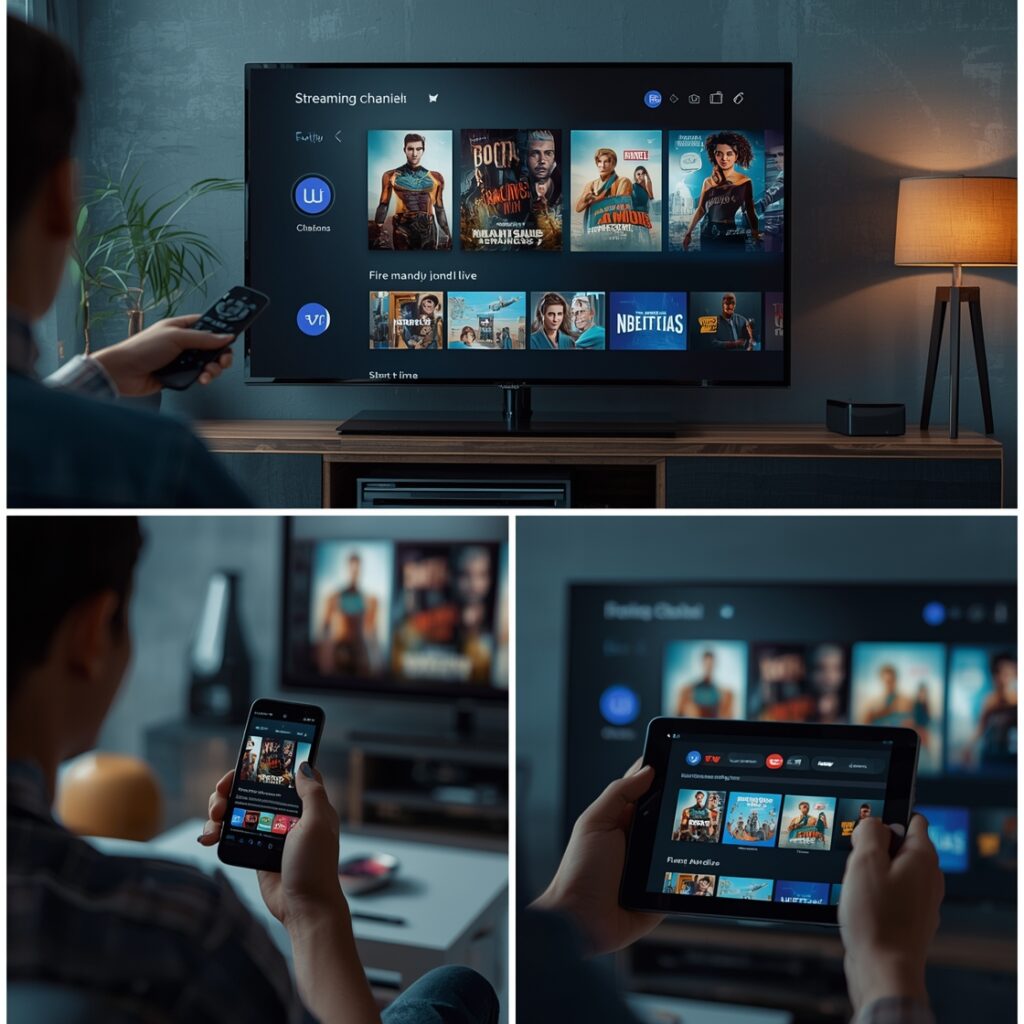
Internet Speed is King: For HD (720p/1080p) streaming, a consistent 15-25 Mbps connection is recommended. For 4K, aim for 50+ Mbps. Use a site like Speedtest.net to check your actual* speed, not just what your plan advertises.
- Wired Over Wireless: Whenever possible, connect your streaming device directly to your router via an Ethernet cable. This eliminates Wi-Fi interference and provides a rock-solid connection.
- Optimize Your Wi-Fi: If you must use Wi-Fi, ensure your device is on a 5GHz band (less crowded than 2.4GHz), and keep it close to the router. Reduce the number of devices sharing your network during peak viewing.
- Within the App: In your player’s settings, adjust the “Player Buffer Size” (increase it slightly if buffering occurs). Also, manually set the stream resolution to match your TV and internet capability to prevent unnecessary upscaling/downscaling.
—
Advantages of Modern Streaming
Why make the switch? The benefits are compelling:
- Unmatched Flexibility & Cost: Ditch the $200/month cable bill. Most premium IPTV services cost between $10-$25/month for thousands of channels. Watch what you want, when you want.
- Global Content at Your Fingertips: Access live sports, news, and entertainment from the UK, Canada, Europe, Asia, and the Middle East without region locks.
- Multi-Device Access: One subscription typically covers your TV, phone, tablet, and computer. Watch in the living room, then continue in the kitchen or on the go.
- Advanced Features: Enjoy timeshift (pause live TV), multi-screen viewing, extensive video-on-demand (VOD) libraries, and sophisticated electronic program guides (EPG) that traditional TV can’t match.
—
Troubleshooting & Common Issues
Even the best setups hit snags. Here’s your fix-it guide:
- “Buffering” or “Loading…”: Primary culprit is internet speed. Run a speed test. Switch from Wi-Fi to Ethernet. Close other bandwidth-hogging apps/devices.
- Channel/Playlist Not Loading: Check your login credentials (API URL, username, password). Your provider’s server may be down; check their status page or social media.
- EPG (Guide) Not Showing or Incorrect: In your app settings, force an EPG update or refresh. Sometimes the provider’s EPG data has delays; this is a service-side issue.
- App Crashes or Freezes: Uninstall and reinstall the app. Ensure your device’s firmware/software is up to date. A simple device reboot often works wonders.
—
Security & Safe Streaming Tips
Your digital safety is non-negotiable.
1. Use a Reputable VPN (Virtual Private Network): A VPN encrypts your traffic, hiding your streaming activity from your ISP. This can prevent throttling (slowing of your connection) and adds a layer of privacy. Crucially, a VPN does not change the legal status of the content you access. You must still ensure your source content is legitimate. Always research IPTV legality in your jurisdiction to avoid copyright infringement.
2. Stick to Official Apps: Never sideload apps from untrusted websites or forums. These are common vectors for malware and spyware that can compromise your login details and personal data.
3. Unique, Strong Passwords: Never reuse passwords from other sites. If your IPTV provider suffers a breach, criminals can’t access your email or bank.
4. Beware of “Free” IPTV: If a service seems too good to be true—offering every premium channel for free—it is. These sites often host pirated streams, are riddled with intrusive ads/malware, and are shut down without warning. They also pose significant legal risks.
—
Conclusion
The transition to smart streaming offers unparalleled control and value for the modern viewer. By investing in the right hardware, selecting a reliable player app like TiviMate or IPTV Smarters, and optimizing your home network, you can build a cinematic, flexible entertainment hub. Remember, the foundation of a great experience is a stable internet connection and a legitimate content source. Always perform your due diligence to understand is IPTV legal within your local framework before subscribing to any service. The goal is to enjoy endless content safely, legally, and in stunning quality. Now that you’re equipped with this knowledge, explore our other guides to master every aspect of your digital entertainment journey is IPTV legal !
—
FAQs
Q: Can I use an IPTV subscription on multiple devices at once?
A: Most professional services allow 1-3 simultaneous connections. Always check your provider’s terms of service. Exceeding the limit will typically get your connection terminated.
Q: My stream is HD but looks blurry on my 4K TV. Why?
A: The source stream itself may only be in 720p/1080p. Your TV is upscaling a lower-resolution image, which can sometimes look soft. Ensure your player app is set to output the highest available resolution.
Q: Do I need a TV subscription (like a cable box) to use IPTV?
A: Absolutely not. IPTV replaces traditional cable/satellite. You only need a stable internet connection and a compatible streaming device.
Q: Are there any totally free and legal IPTV apps?
A: Yes! Many broadcasters (like PBS, CBC, BBC iPlayer) offer free, legal live TV apps within their respective countries. Also, platforms like Pluto TV, Tubi, and The Roku Channel provide free, ad-supported live channels and VOD. Always verify the app’s origin.
Q: What’s the single most important factor for good quality?
A: A consistent, high-speed wired internet connection to your streaming device. No amount of app tweaking can overcome a weak or unstable signal from your router.